
Auto Studio
AI-Powered Automotive Photography
Initializing AI Engine...
Three simple steps. No photography experience required. No expensive studios. Try it today with 10 free credits (1 credit = 1 processed photo) — renewed every month, for dealership accounts created during this offer period.
Camera angle, distance and framing make the difference between a showroom-ready result and a cropped or oddly-scaled one. This short guide walks through getting it right before the photo ever reaches Auto Studio.
Example results at each guided angle — click any photo to view it larger.
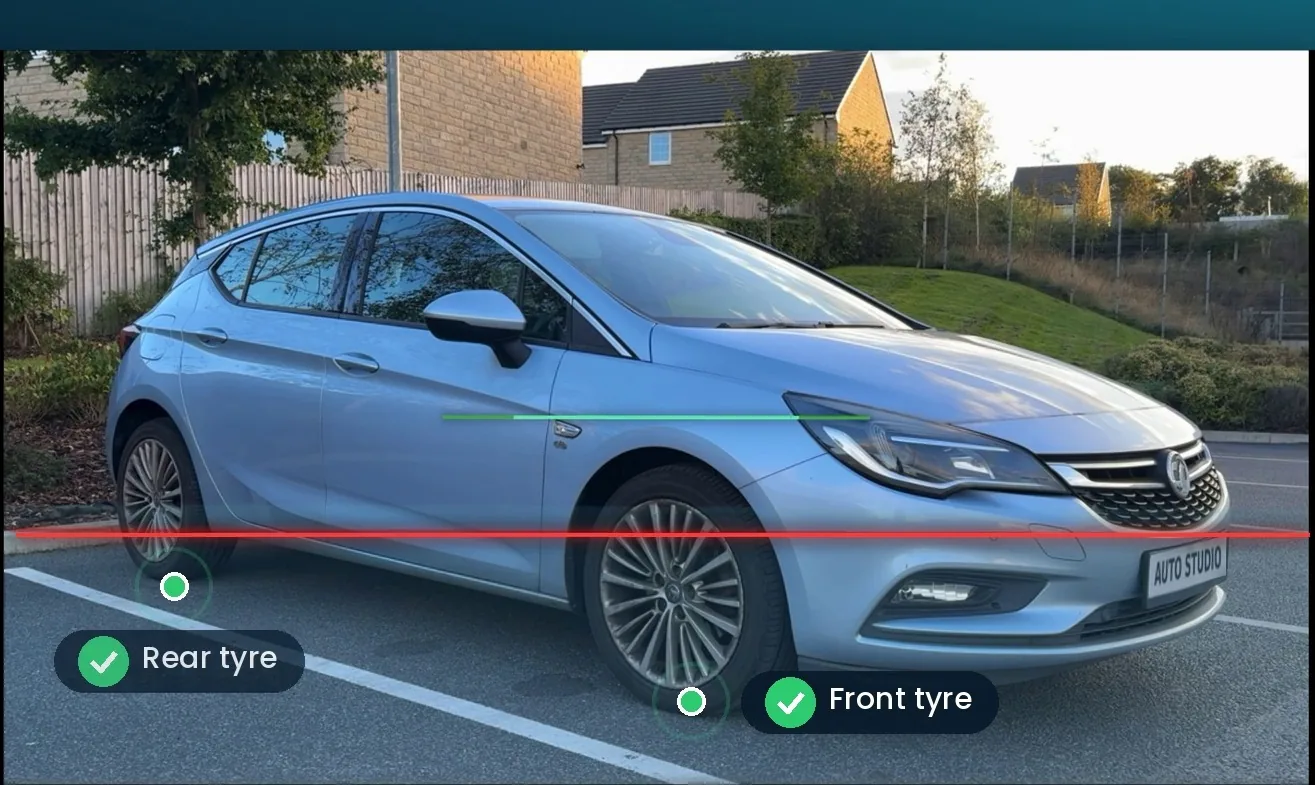
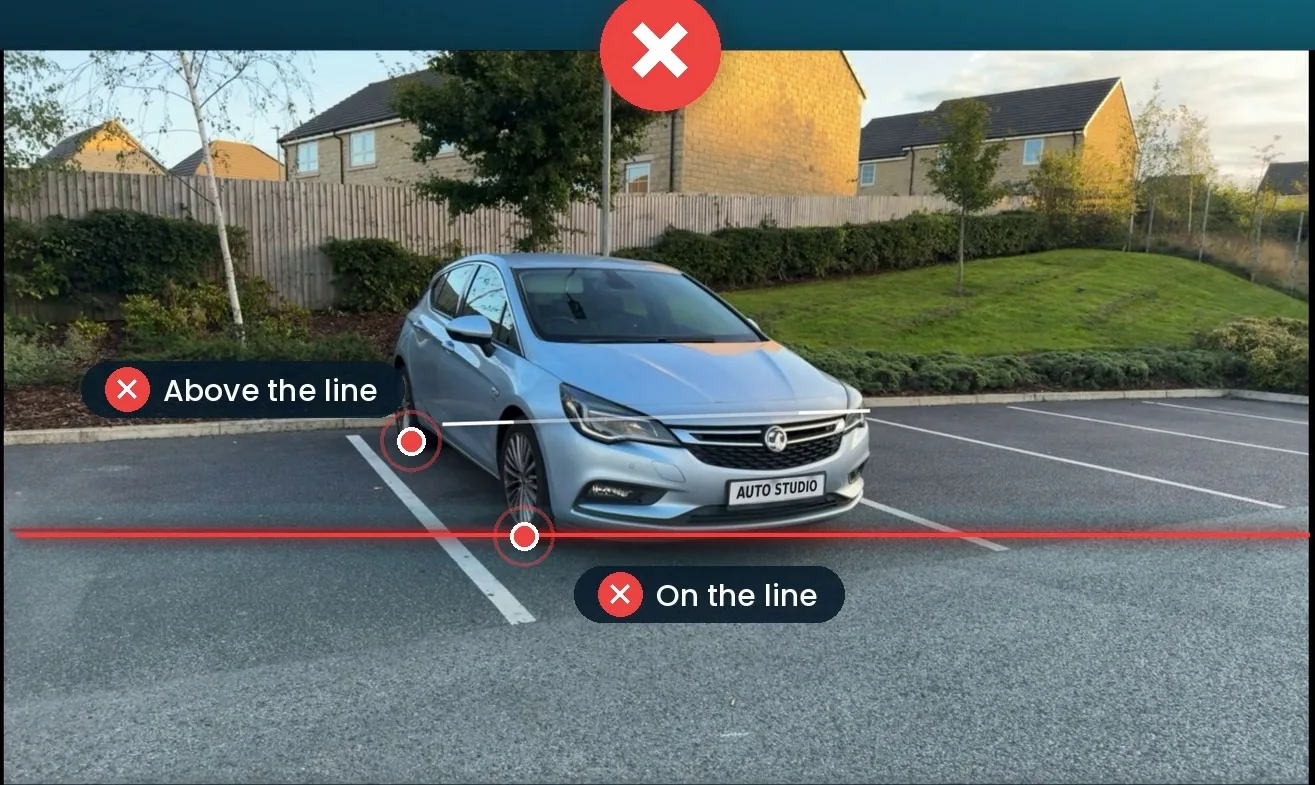
Open the Auto Studio camera. A semi-transparent ghost overlay appears on your viewfinder with a red guide line built in. Line up the vehicle and tap.
Just make sure the points where the tyres touch the ground sit below the red line — that's the only rule, and it works for any angle you shoot from.
No more cropped bonnets or tilted shots. Every photo lines up correctly every time — by anyone on your team.
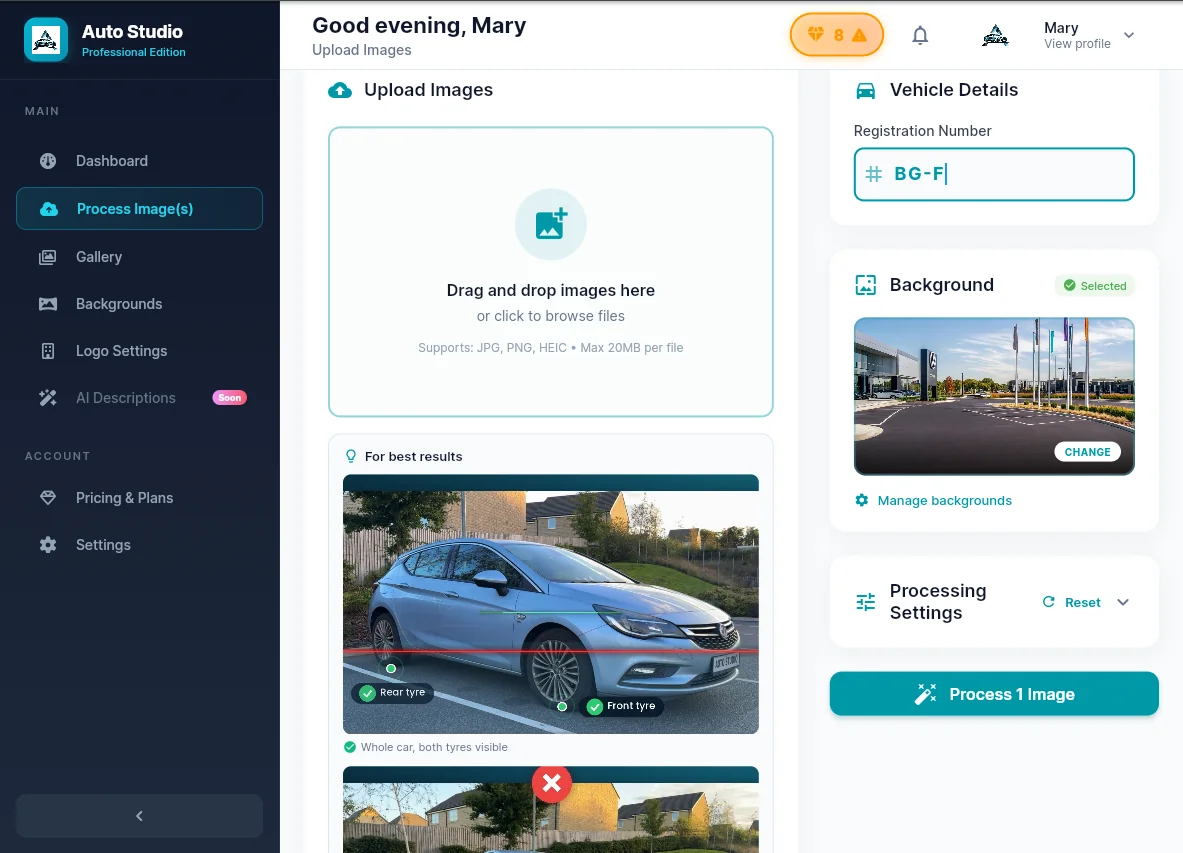
You can also select image(s) from the device i.e. Mobile, Tablet or PC.
Zero skills required. One overlay, one rule — tyres below the red line. Any team member can capture a natural-looking shot from day one. No training needed.
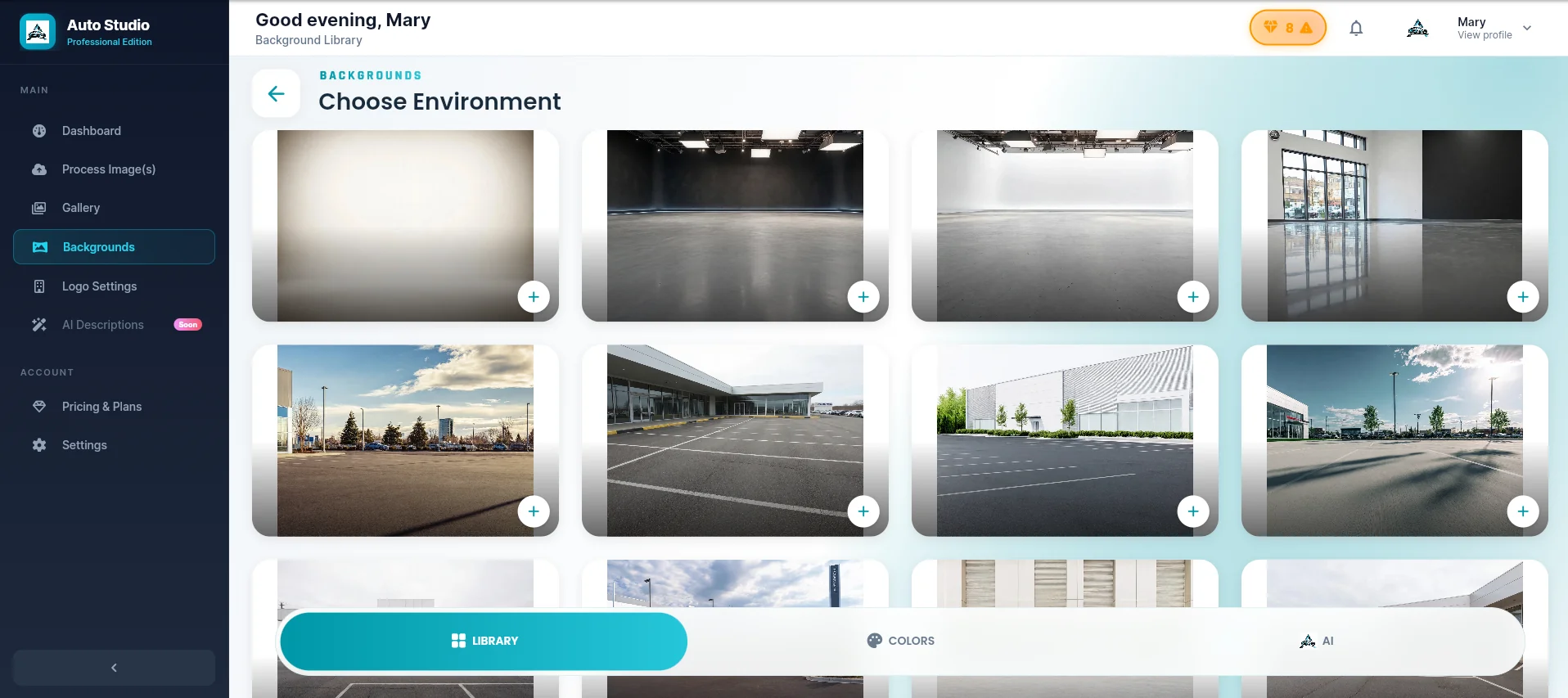
Browse 60+ standard backgrounds, plus custom backgrounds on Starter and above (limited-time offer). From clean studio white to outdoor scenes, showroom floors, and custom branded options tailored to your dealership.
Your assigned backgrounds are saved and synced across all devices. Set your preferred background once and it applies to every processed image automatically.
Custom branding available. Upload your own dealership background or work with our team to create a bespoke scene.
Tap process. AI instantly removes the original background and replaces it with your chosen scene in under 10 seconds. Edge detection is precise — tyres, mirrors, and windows handled perfectly.
Results are automatically saved to your dealership gallery. Download full-resolution images, share directly, or generate AI listing descriptions in one tap.
Bulk processing available. Upload an entire vehicle’s photo set at once. All images processed simultaneously.
Your framing is kept exactly as shot. Processing swaps the background - it does not recentre, crop or reposition the car. Whatever margin is around the car in your original photo is the margin you'll see in the final image, so it's worth getting right before you shoot. See the framing guide below.
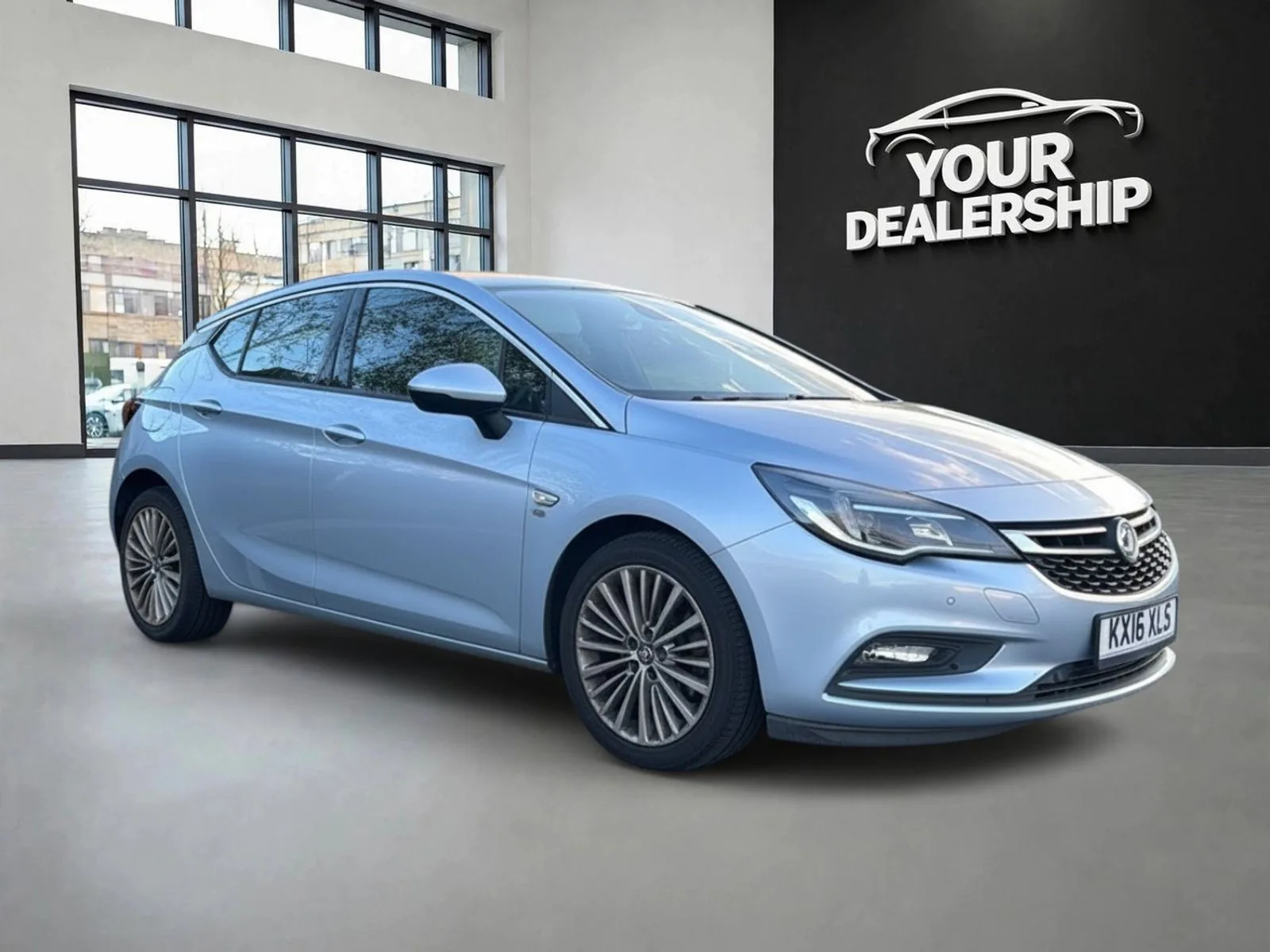
Auto Studio does not reposition the car for you. It's a background swap, not a recompose - the car stays exactly where, and exactly the size, it was in your original photo. Real examples, unedited either side:
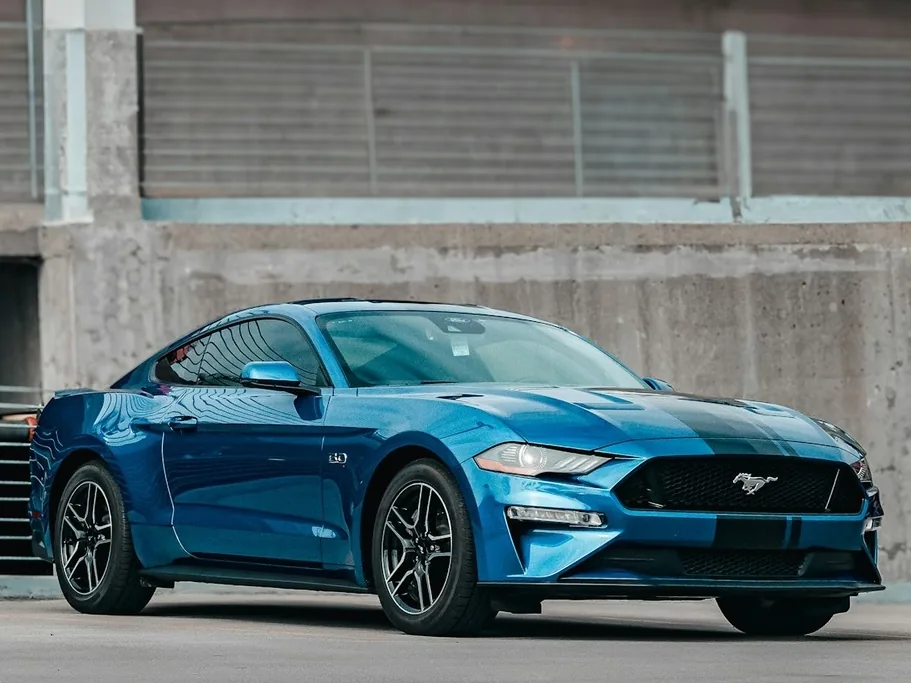 →
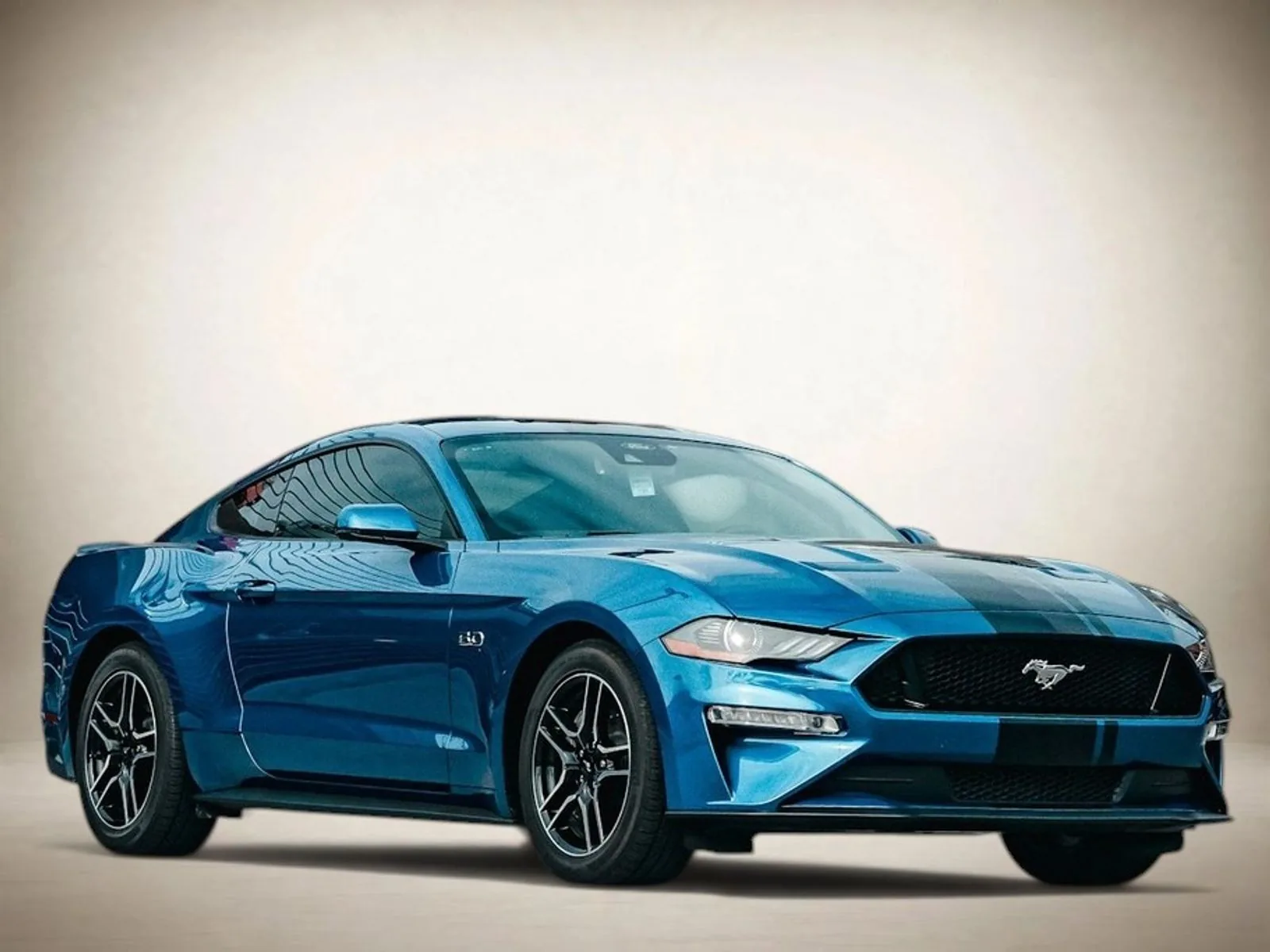
Shot close enough to fill the frame - the result looks like a real product shot.
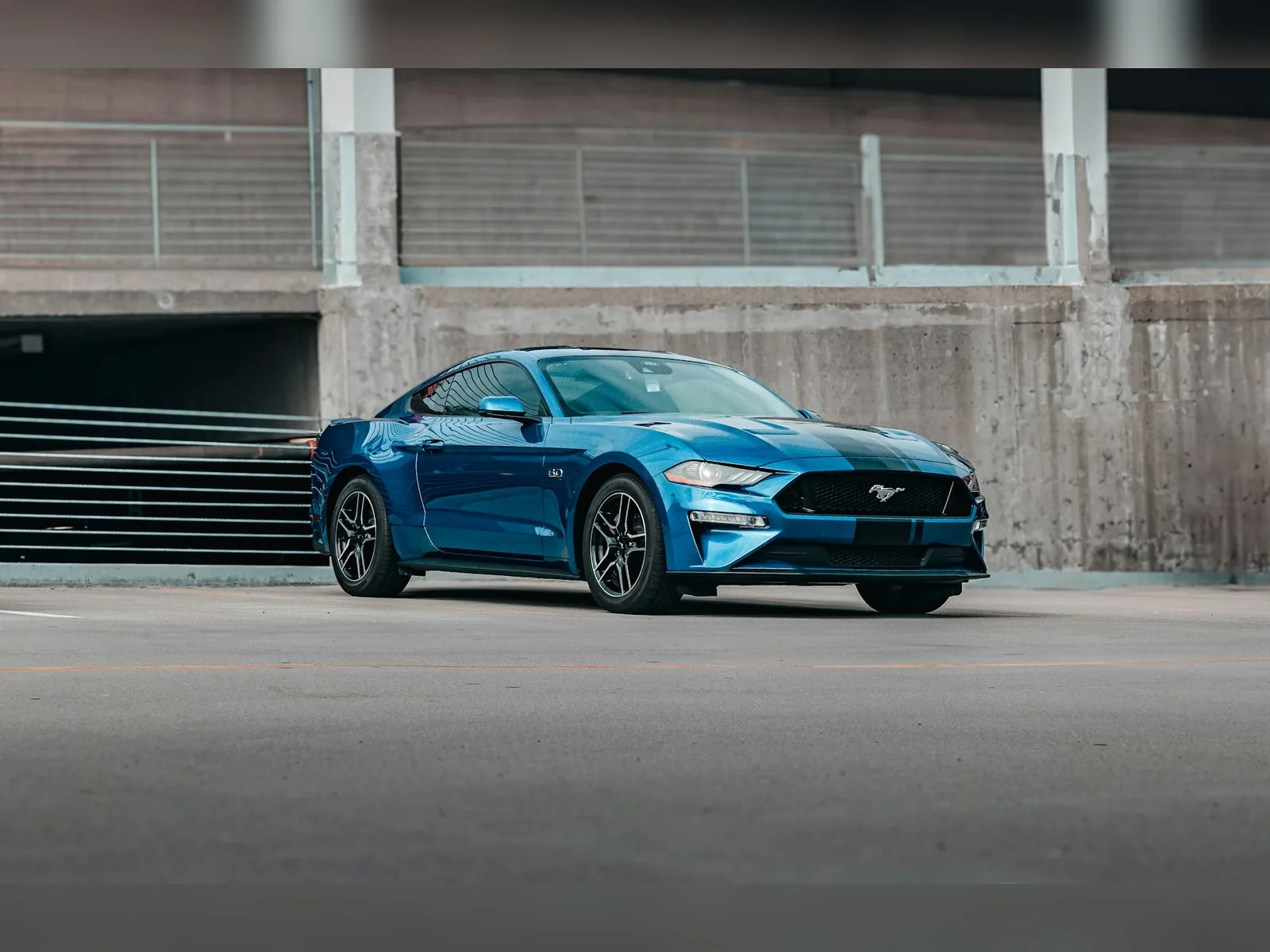 →
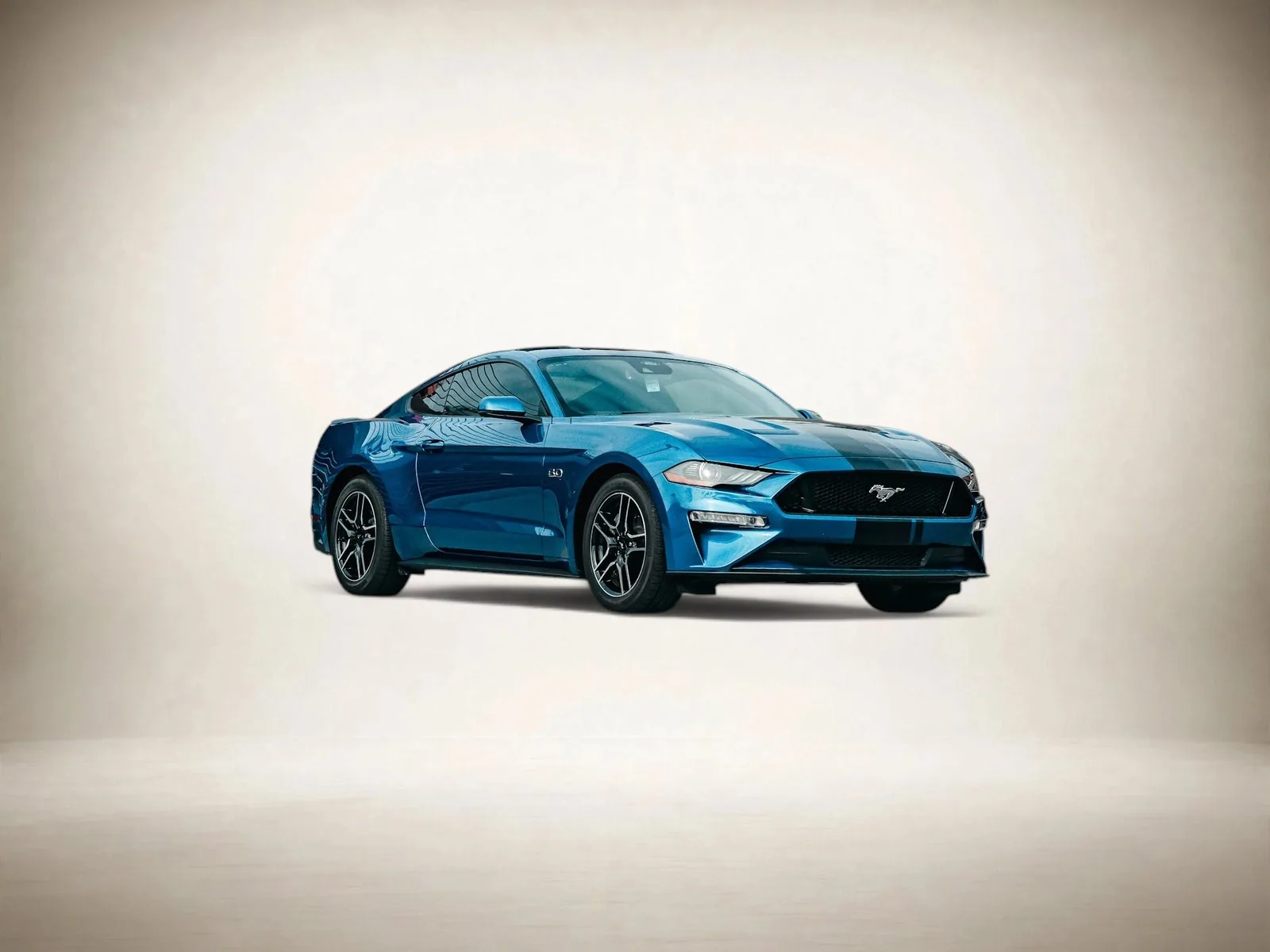
Shot from too far away - the car stays small, surrounded by empty space, in the result too.
Auto Studio runs on web, iOS, and Android. Your gallery syncs instantly across every device.
Full platform access from any browser. Manage your gallery, upload images, and download results from your desktop or laptop.
Native mobile app with the ghost overlay camera. Capture, process, and publish from the forecourt in seconds.
Images processed on mobile appear instantly in your web gallery. One account, all devices, always in sync.
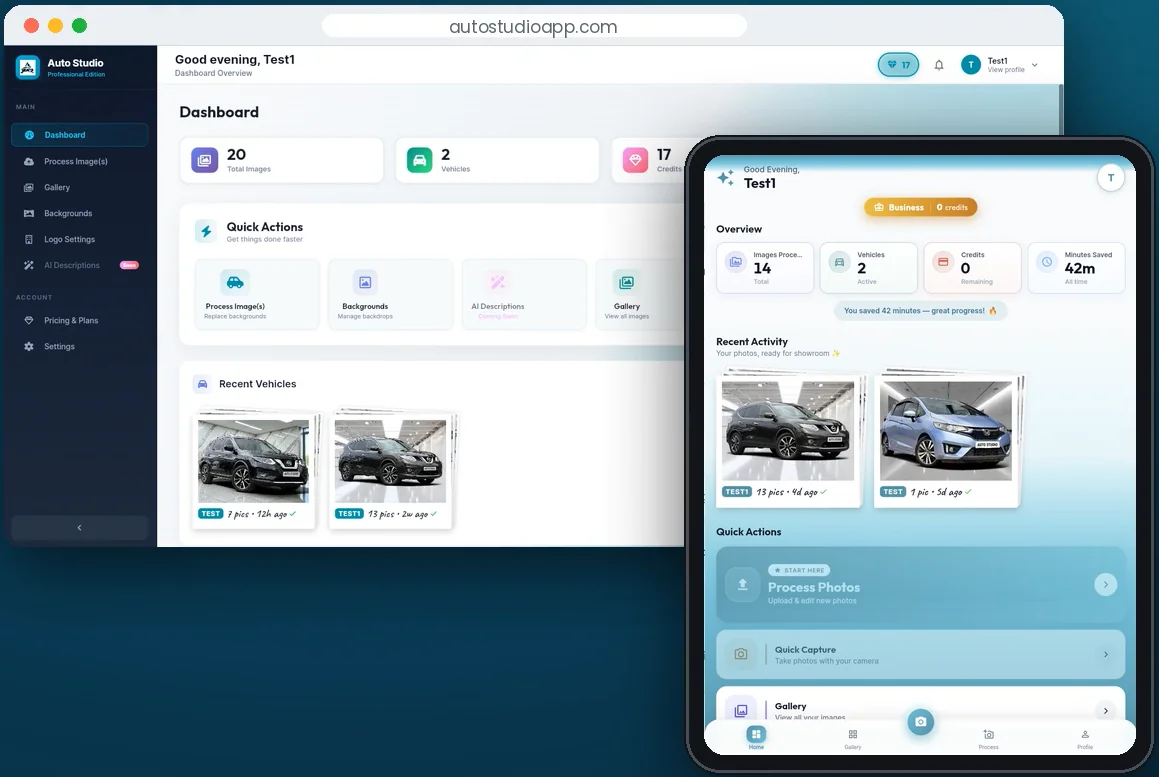
No third-party apps. No manual editing. Every tool you need in one platform.
With Ghost overlay on your live camera, take shots from any angle. Perfect framing guaranteed on every shot.
AI cuts backgrounds with pixel-perfect precision, including complex edges like tyres and windows.
Curated automotive backgrounds: studio, outdoor, showroom, branded. New backgrounds added regularly.
Process an entire vehicle set simultaneously. Upload all images at once and get results in seconds.
Generate compelling, SEO-optimised vehicle descriptions automatically. Copy-ready for any platform.
All processed images saved to your dealership gallery. Download full-res or share directly to listing platforms.
No photography skills. No setup fees. No commitment.
Just professional vehicle imagery from day one.
